Invite-only TradingView strategies: how access actually works
An invite-only script is one of three publication types on TradingView. The code stays with the author; the strategy appears as a public publication page, but only usernames on the author’s access list can add it to a chart. It is the standard delivery format for paid systematic strategies — and, used properly, it gives buyers something unusual in this niche: a way to verify a vendor before paying anything.
What you can check without buying
Every invite-only publication has a public page. Three things on it cannot be edited after the fact.
The publication date. TradingView stamps it, not the vendor. If a strategy was “profitable since 2023” but the script was published in June 2026, the page says so.
The Strategy Tester report. When the author publishes in report-preserving mode, the platform renders the tester output on the publication page itself — trades, equity curve, statistics — where it cannot be cropped or retouched.
The description and author’s instructions. What the strategy claims to do, in writing, with a timestamp.
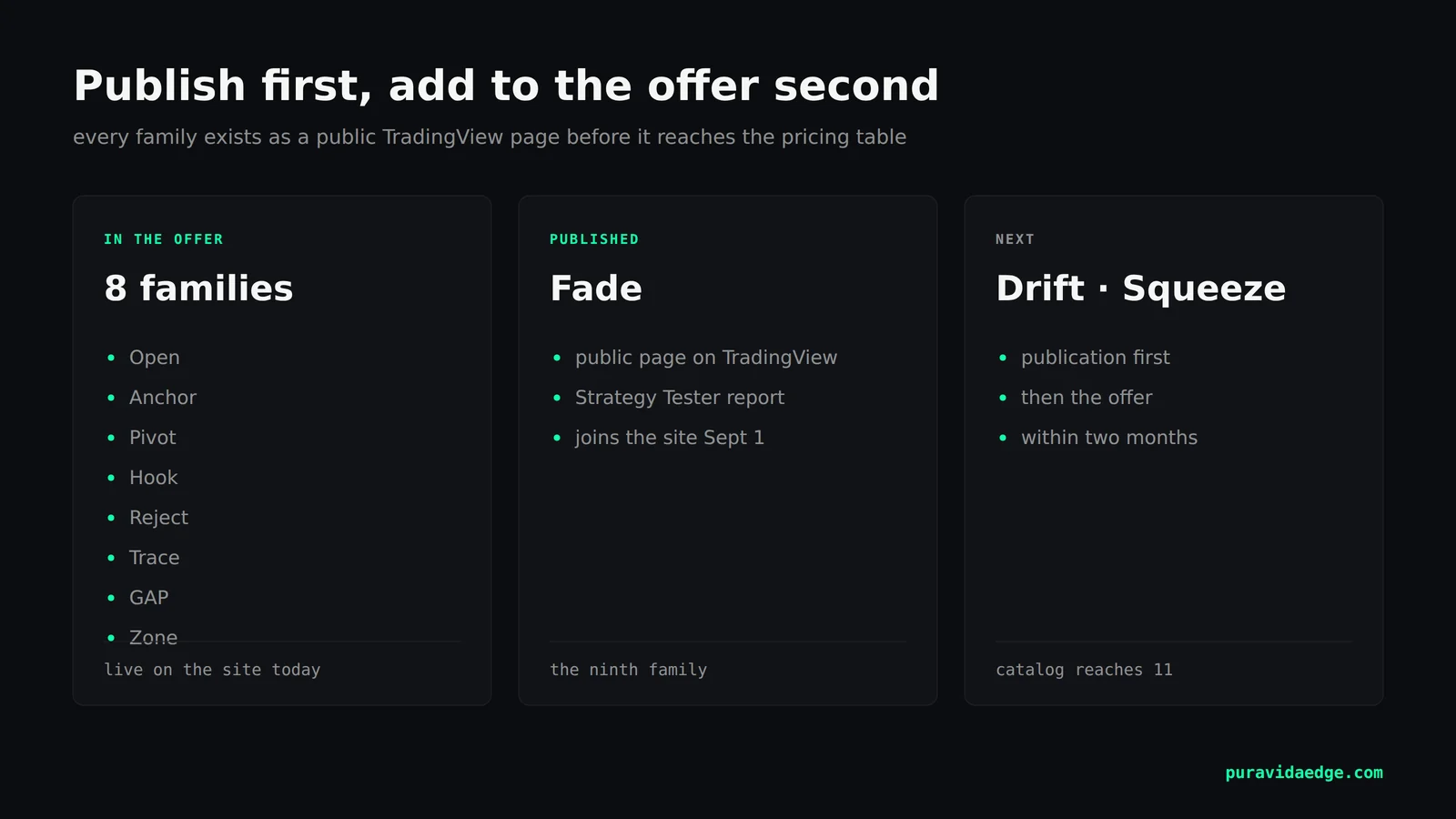
Our catalog keeps all nine current publications in this format. Before any strategy earns a line on our pricing table, it exists as a public page you can audit.
Publish first, add to the offer second
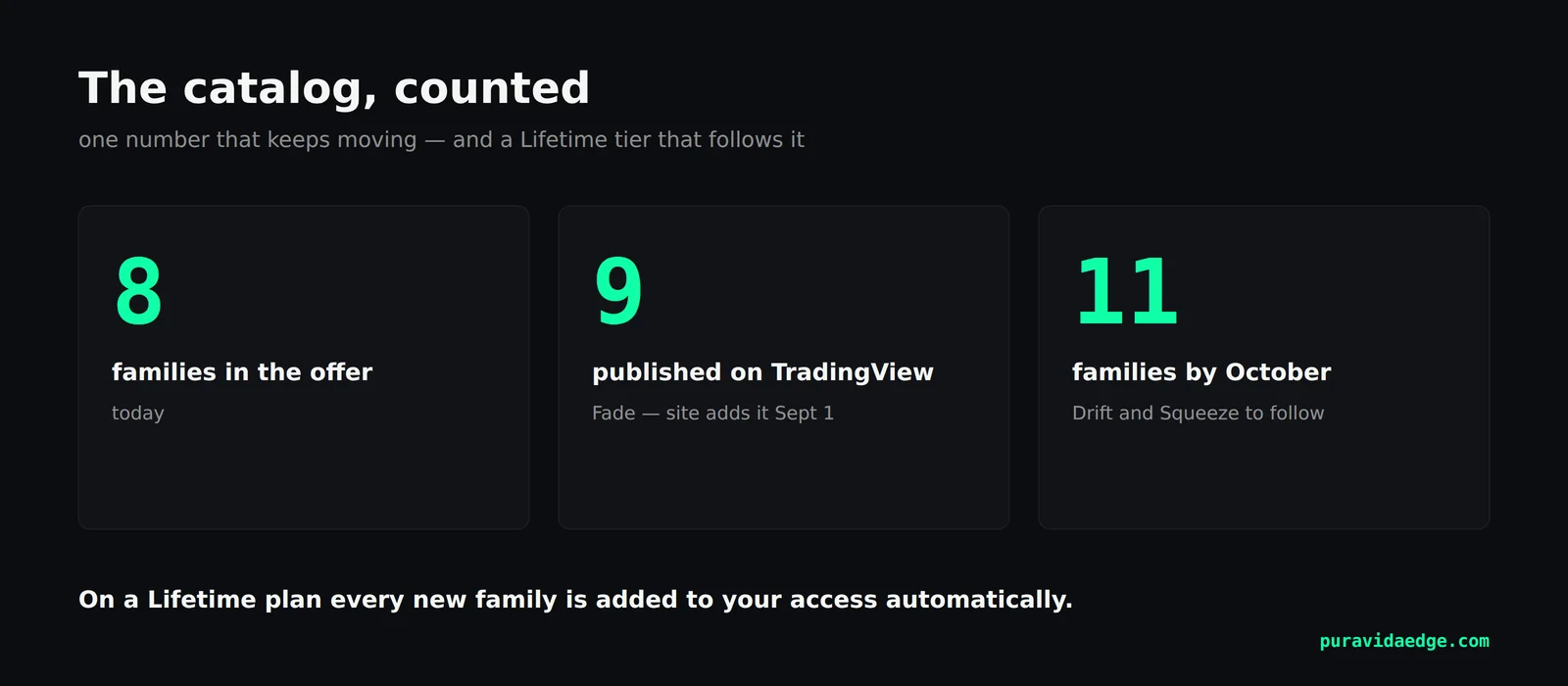
Most vendors work in the opposite order: sell the roadmap, ship later. We publish to TradingView first, then add the strategy to the offer once the page is live. The current state: eight families in the offer, the ninth — Fade — already published, with the site adding it on September 1st. Two more, Drift and Squeeze, follow within the next two months, which will bring the catalog to eleven families.
The point of this order is that the schedule becomes auditable. You do not have to trust a “coming soon” — you can open the profile and read the dates.
How access is granted after purchase
Access is tied to your TradingView username. After purchase you send the username; the author adds it to the script’s access list; the strategy then appears under Indicators → Invite-only scripts on your account, and you add it to any chart like a built-in tool. The code never transfers, so there is nothing to install and nothing to update manually — when the author ships an update, your chart uses it on the next load.
On a Lifetime plan, this mechanism has one more consequence: every new family is added to your access automatically when it joins the catalog. No upgrade path, no separate invoice. The ninth family will appear for Lifetime holders on September 1st, the day the site adds it.
What this costs — and until when
Founders pricing — 30% off every Lifetime tier, installment plans available — ends Monday, August 31st. After that, standard pricing applies to the same catalog. The product on September 1st is identical either way; the invoice is not.
Every purchase carries a 14-day guarantee counted from the day access is granted: reproduce the tester output on your own chart, and if it doesn’t match the published specification, you get your money back.
Educational content. Trading futures and CFDs carries substantial risk of loss. Past performance does not guarantee future results. Not financial advice.